AI image text editor
Edit Image Text Online for Free
Change the words in a photo, poster or graphic and keep the same lettering. Your first preview is free, with no sign-up: upload a picture, draw a box around the words, and type the current and the new text.
- Same lettering and style
- Your image's own size, up to 4K
- Free preview with a watermark
or drop or paste it here (⌘V)
Free preview with a watermark. No watermark with credits, from $4.99 a pack.
JPG, PNG, WebP or HEIC · large photos are resized for you
Drop to open
Drop to open
Draw a box around the text to change. With a keyboard, press Enter to add a box, arrow keys to move it, and Shift with arrow keys to resize it.
How it works
- Upload a picture — JPG, PNG, WebP or HEIC.
- Draw a box around the words, then type the current text and the new text.
- See a free preview at full size, with a watermark. Use a credit to remove the watermark.


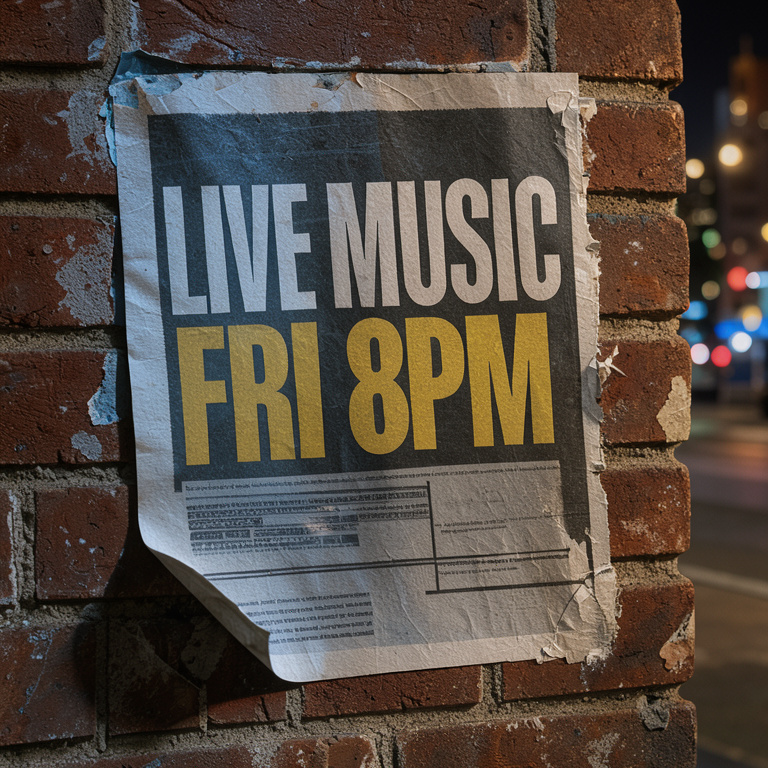
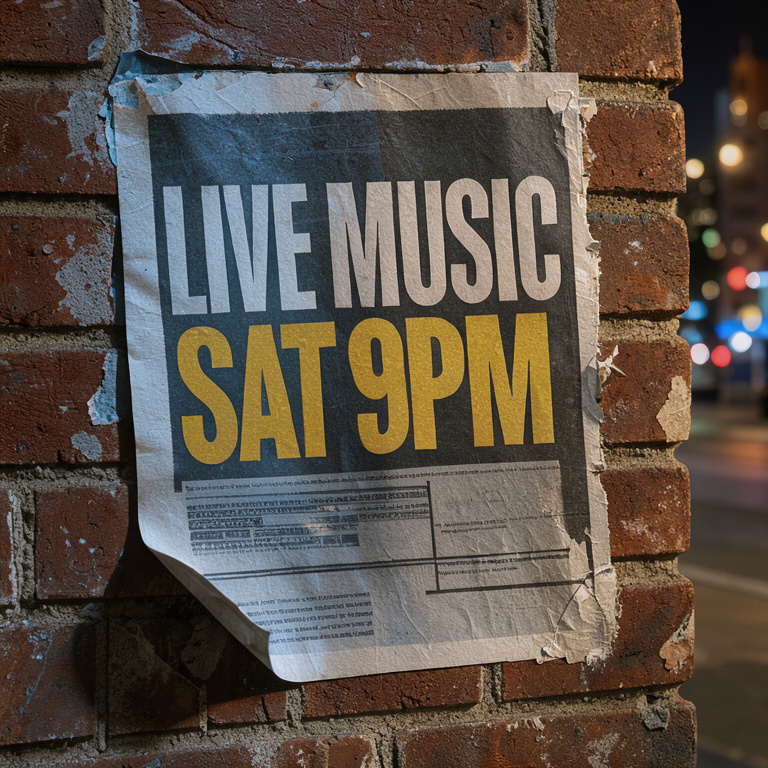
We delete previews you don't buy 72 hours after they're made.
What's free
- Your first preview: the whole picture at full size with the new words and a watermark, plus a close-up of the changed area so you can check the lettering.
- No account and no card needed for it.
- Download it at full size, with the watermark.
- One free preview per person.
When you need a credit
To download the picture without the watermark — at full size, the same size as your upload, up to 4K — use 1 credit. Credits come in one-time packs, from $4.99 for 10, and never expire. You can buy a free preview's image later for 1 credit, until it's deleted 72 hours after it was made. See prices.
How long it takes
About 10 seconds for a small picture, about 30 seconds at 2K, and about 4 minutes at 4K — the size of most phone photos.
Questions
Is it really free?
Your first preview is: you see the result at full size with a watermark and can download it, with no account and no card. Removing the watermark uses 1 credit.
Why is there a watermark?
So you can see the result before you pay. It reads "AI-edited preview · changetextinimage.app" and goes when you use a credit.
What can I edit?
Posters, flyers, product photos, labels, signs, menus, memes, slides and AI-generated images. Our Terms don't allow documents — IDs, receipts, invoices and certificates — or screenshots of payments, chats and posts.
Which files work?
JPG, PNG, WebP and HEIC. Very large photos are resized in your browser before upload.
Do I need to install anything?
No. It works in your browser, on phones and computers.